
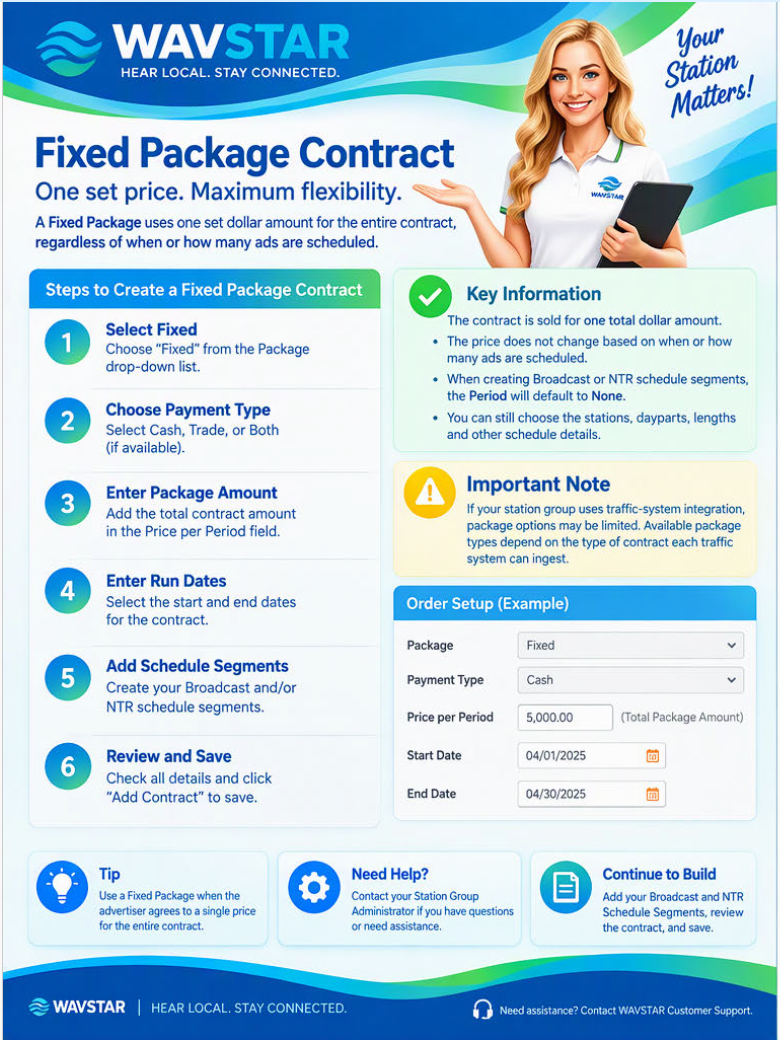
A Fixed Package uses one set dollar amount for the entire Contract, regardless of how many ads run or when they are scheduled.
Create the Contract
- Select Fixed from the Package drop-down list.
- Enter the Contract details, including:
- Payment Type
- Fixed package price
- Start and end dates
- Other required Contract information
- Add the Broadcast and NTR Schedule Segments.
- Review the Contract for accuracy.
- Select Add Contract to save it.
When creating Broadcast or NTR Schedule Segments for a Fixed Package, the Period will default to None.
Traffic-system integration: Available package types may depend on which Contract format the connected traffic system accepts.