
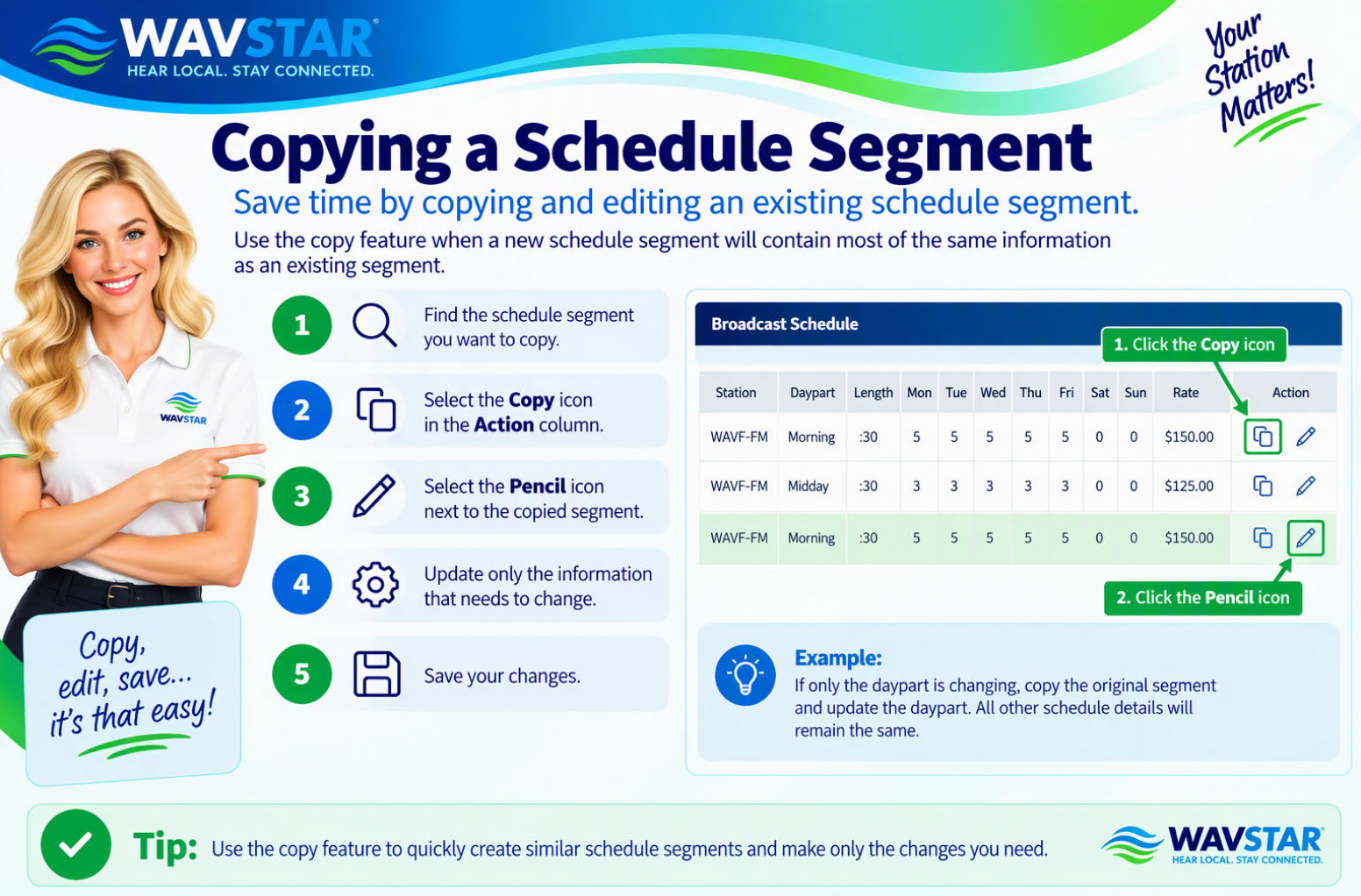
Use the copy feature when a new schedule segment will contain most of the same information as an existing segment.
- Find the schedule segment you want to copy.
- Select the Copy icon in the Action column.
- Select the Pencil icon next to the copied segment.
- Update only the information that needs to change.
- Save your changes.
Example: If only the daypart is changing, copy the original segment and update the daypart. All other schedule details will remain the same.