
Variable Package
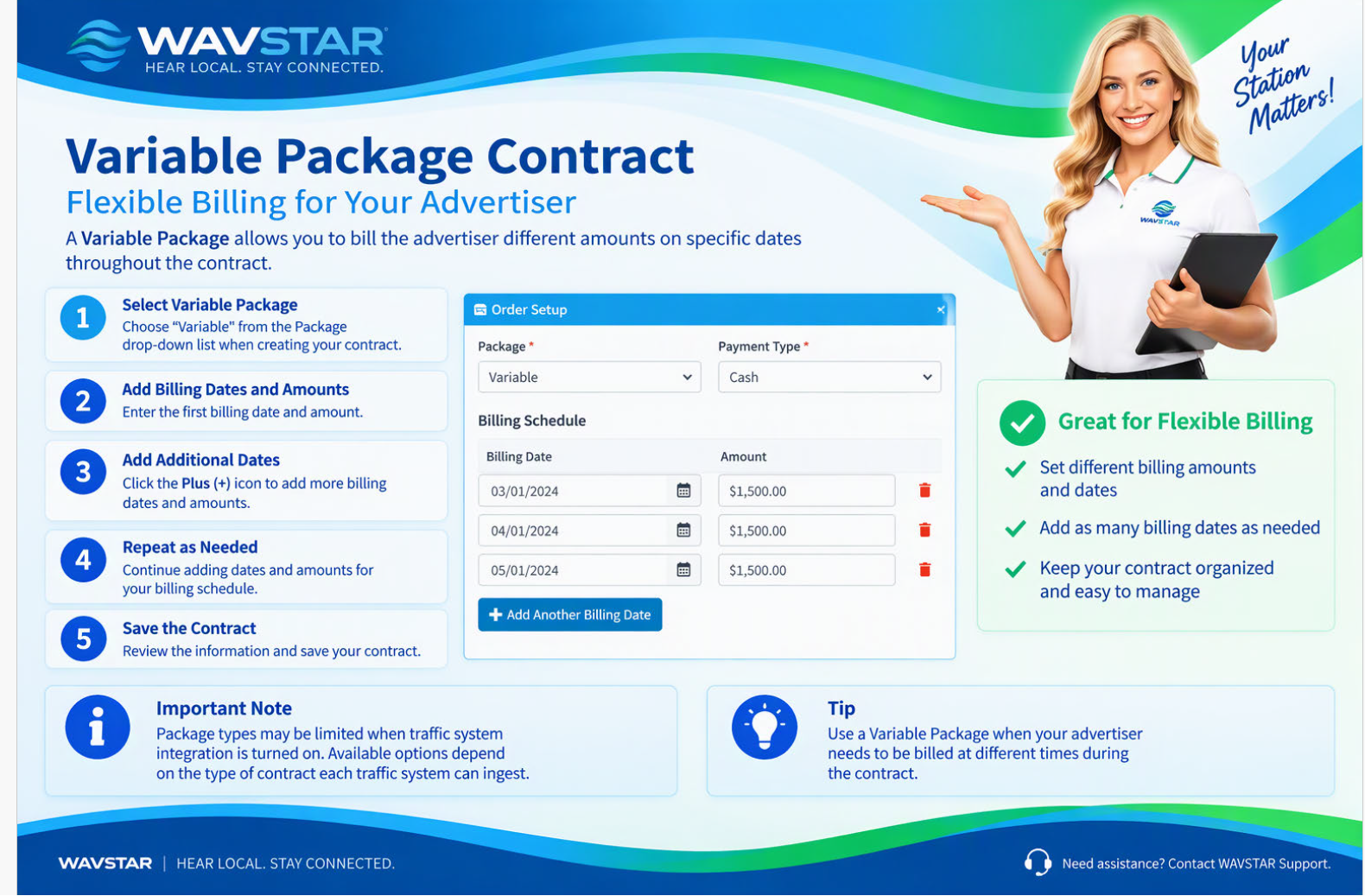
Select Variable Package when the advertiser should be billed different amounts on specific dates throughout the Contract.
Set Up the Billing Schedule
- Select Variable from the Package drop-down list.
- Enter the first billing date and amount.
- Select the Plus (+) icon to add another billing date.
- Enter the amount for each additional date.
- Continue adding dates and amounts as needed.
- Review the billing schedule and save the Contract.
Traffic-system integration: Available package types may depend on the Contract formats supported by the connected traffic system.