
Editing Company Billing Contact Information
As a Company Administrator, you can add or edit your company’s billing contact details at any time.
Note: Only users with Administrator permissions can access this section. To grant this role, open a user’s profile and check the Administrator box under User Roles.
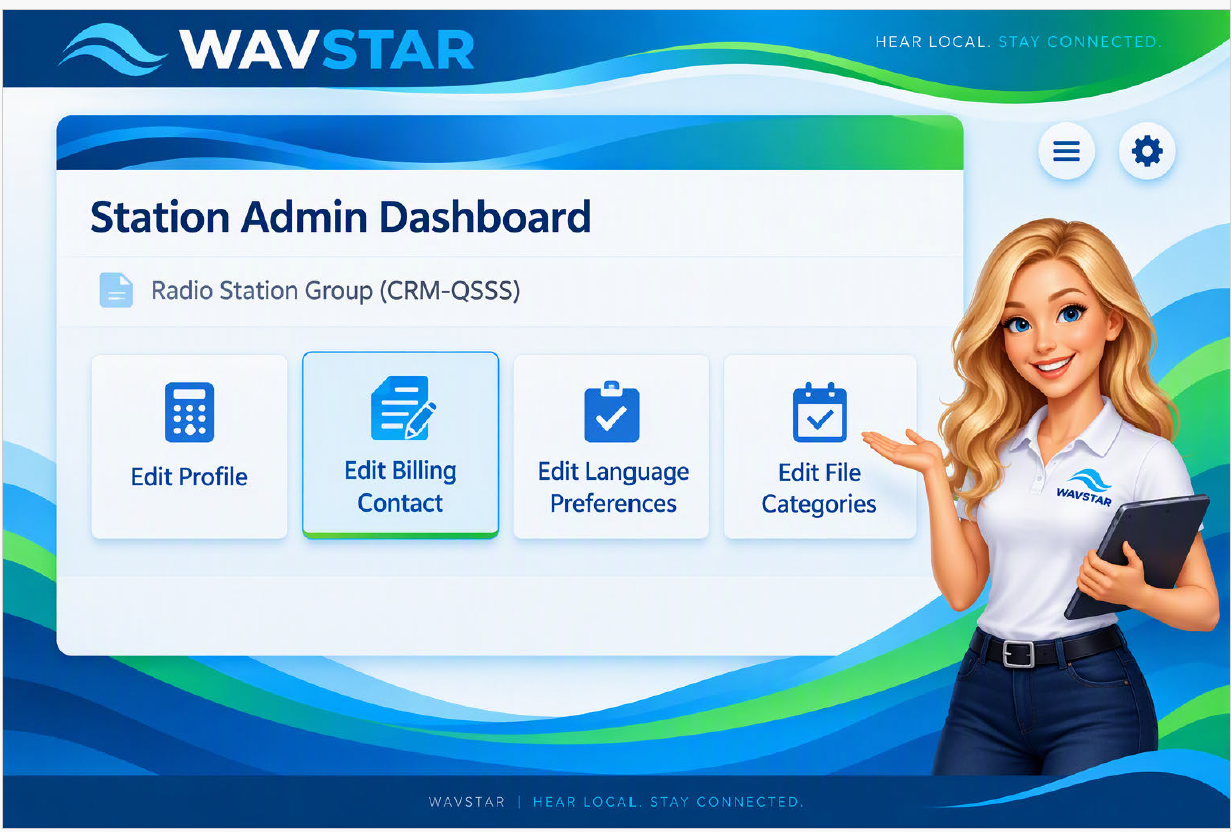
How to Update Billing Contact Information
- Go to the Company Admin page under your company name (e.g., Radio Station Group – CRM‑QSSS).
- Click the Edit Billing Contact box. This opens the Billing Contact Form.
What You Can Edit
In the form, you can update:
- Billing contact name
- Email address
- Phone number
- Company address
- Additional billing details
Required fields are marked with an asterisk (*).
Saving Your Changes
After entering or updating the information, click Update Billing Info to save your changes. Your updates will take effect immediately and can be modified anytime as needed.
Visual Reference
The Company Admin dashboard includes quick‑access boxes for:
- Edit Profile
- Edit Billing Contact
- Edit Language Preferences
- Edit File Categories
Each section helps you manage your company’s administrative settings efficiently.