
Resetting a User’s Password
You must have Administrator permission to reset a user’s password. To give someone this authority, add the Administrator role to the user’s profile.
To reset a password:
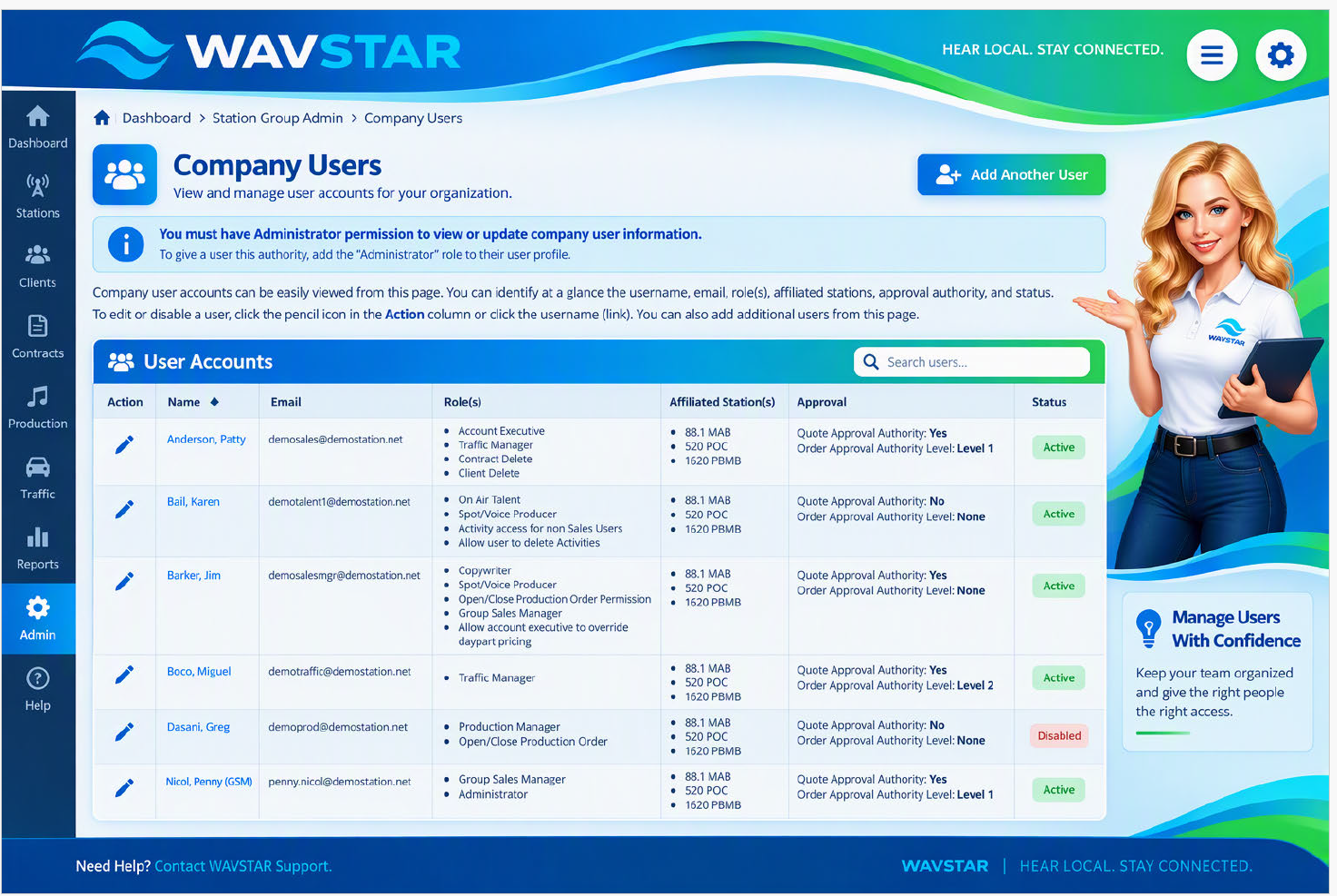
- Go to Company Admin > Manage Users.
- Select the pencil icon or the user’s name to open the user profile.
- Scroll to the bottom of the page.
- Select Reset Password.