
As a Station Group Administrator, you have elevated permissions that allow you to manage key parts of your company’s WAVSTAR account. Administrators can configure stations, users, workflows, and revenue settings to ensure your organization runs smoothly.
Note: You may assign more than one Administrator. To grant this role, open a user’s profile and check the Administrator box under User Roles.
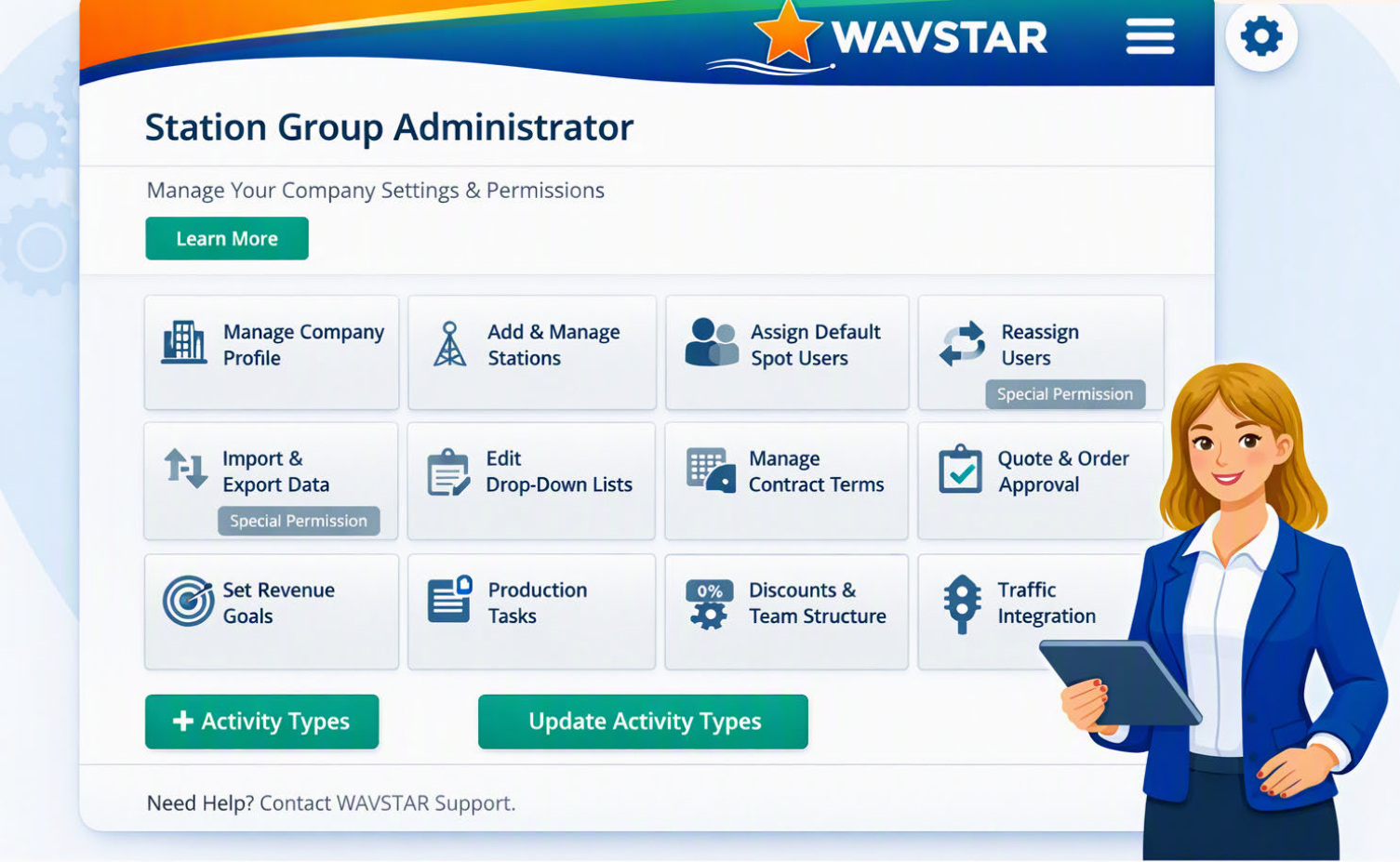
Learn how to navigate the Station Group Admin tools and manage your company setup.
What You Can Do as a Station Group Administrator
1. Manage Your Company Profile
Update company details, branding, contact information, and global settings.
2. Add and Manage Stations
Create new stations, update existing station information, and manage station-level settings.
3. Add, Manage, and Assign Default Spot Users
Set up spot users for each station and assign default users to streamline proposal and order workflows.
4. Reassign Users
(Special permission required — granted by Pam or Mike) Move users between stations or adjust their access when staffing changes occur.
5. Import and Export Data
(Special permission required — granted by Pam or Mike) Upload bulk data or export company information when needed.
6. Edit Drop‑Down Lists
Customize dropdown options used throughout WAVSTAR, such as:
- Account types
- Categories
- Lead sources
- Custom workflow values
7. Manage Contract Terms, Dayparts & NTR
Configure:
- Contract term options
- Daypart definitions
- Non‑Traditional Revenue (NTR) categories
8. Turn Quote & Order Approval On/Off
Enable or disable approval workflows for quotes and orders based on your company’s process.
9. Set Revenue Types & Goals
Define:
- Revenue types
- Station revenue goals
- Account Executive (A/E) goals
10. Customize Production Tasks
Tailor production task lists to match your station’s workflow and ensure consistency across teams.
11. Apply Discount Authority & Team Structure
Set discount limits for users and configure team hierarchy for reporting and workflow routing.
12. Traffic Integration
Traffic system integration is activated by Pam and Mike. Contact them if your station needs traffic connectivity enabled.
Need Help?
If you need assistance with permissions, setup, or workflow configuration, reach out to your WAVSTAR support contact or submit a ticket through Freshdesk.