
Managing Company Users
You must have Administrator permission to view or update company user information. To give someone this authority, add the Administrator role to the user’s profile.
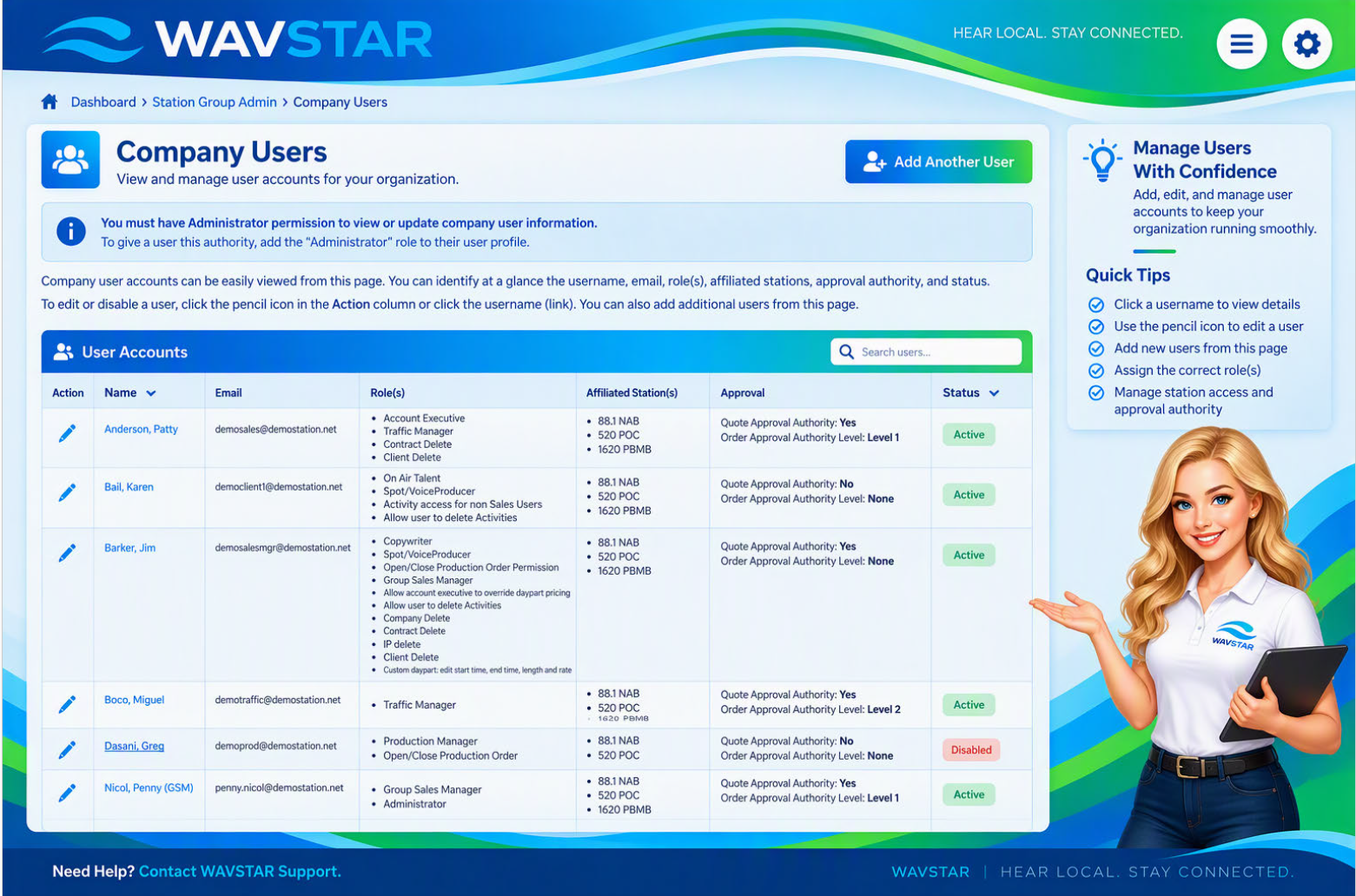
The Company Users page provides a quick overview of each user’s:
- Username
- Email address
- Assigned role or roles
- Affiliated stations
- Approval authority
- Account status
To edit or disable a user, select the pencil icon in the Action column or select the user’s linked username.
You can also add new users directly from this page.