
As an Administrator, you can edit the dropdown lists that appear throughout the CRM.
Note: Non‑editable lists and fields are grayed out.
Accessing Editable Lists
- Go to the Station Admin section.
- From there, you can edit the following lists:
- File Categories
- Advertiser Types
- Advertiser Products
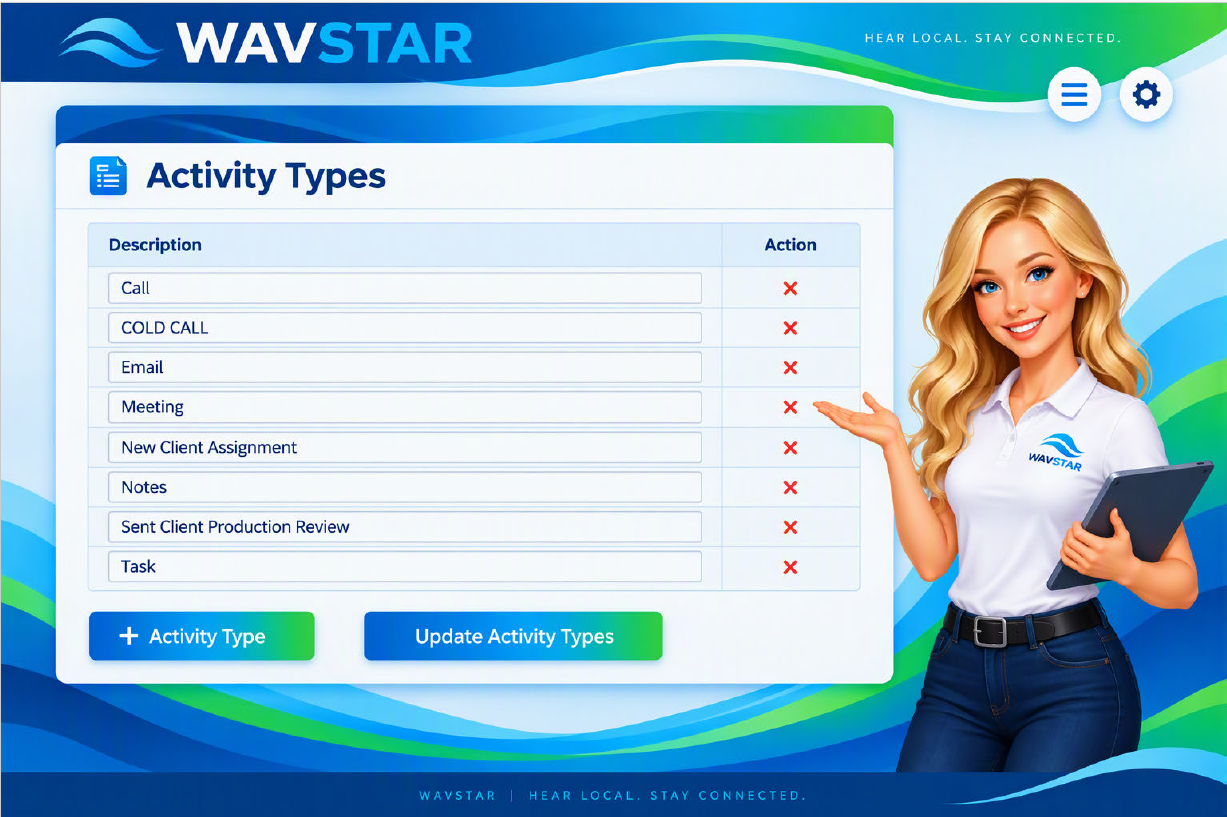
- Activity Types
- Order Types – Contracts
- Ad Types – Production
Example of Editable Lists
Administrators can add, edit, or delete items within these lists to customize options available across the CRM. This flexibility helps ensure your dropdown selections reflect your company’s workflow and terminology.