
Make Contract Signing Easier
Electronic signatures give advertisers and agencies a convenient way to sign and return contracts electronically.
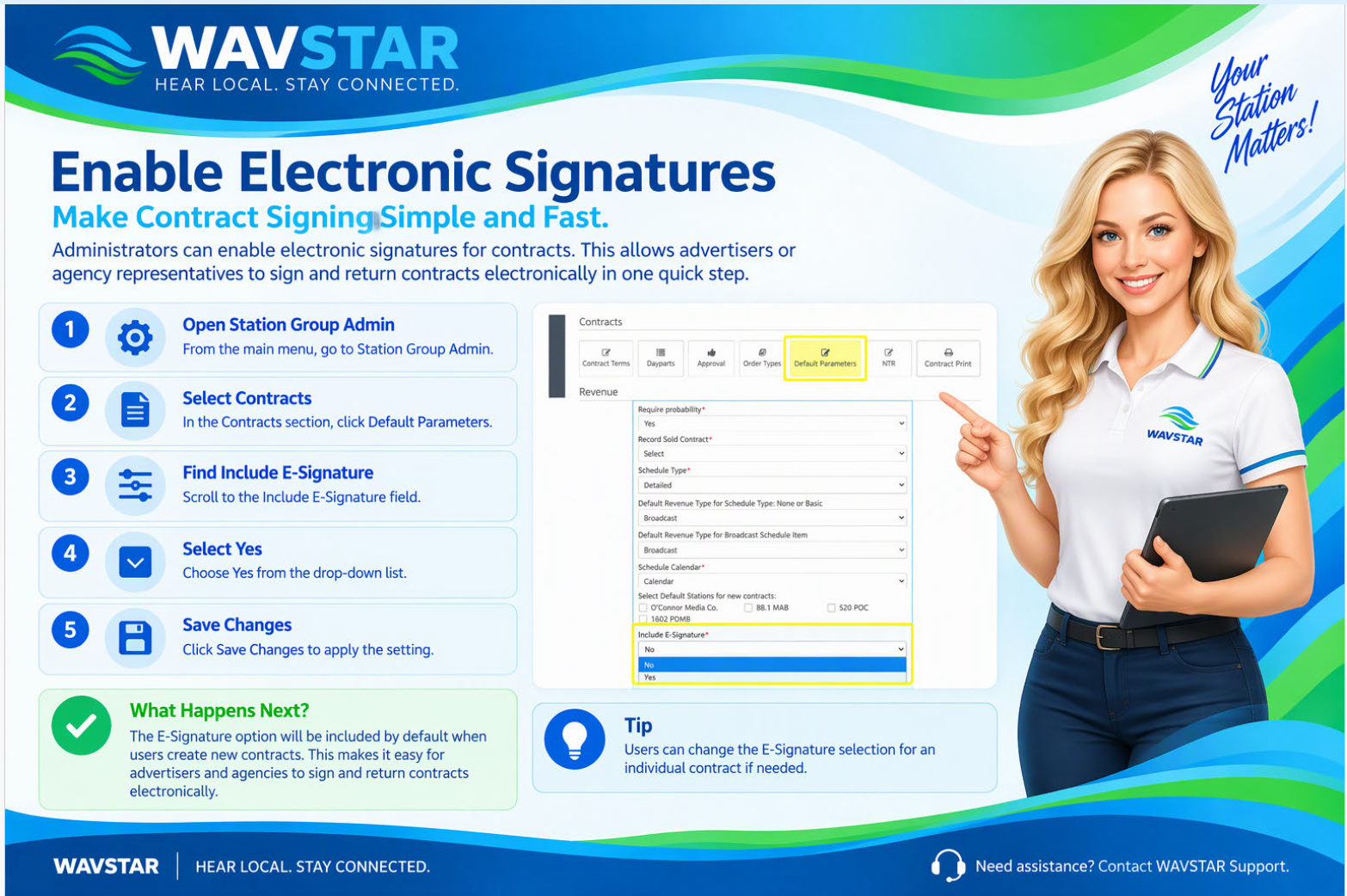
Administrators can enable this option by following these steps:
- Open Station Group Admin.
- Under Contracts, select Default Parameters.
- Change Include E-Signature to Yes.
- Save the changes.
The E-Signature option will automatically be selected on new contracts. Users can change the selection for an individual contract when needed.